

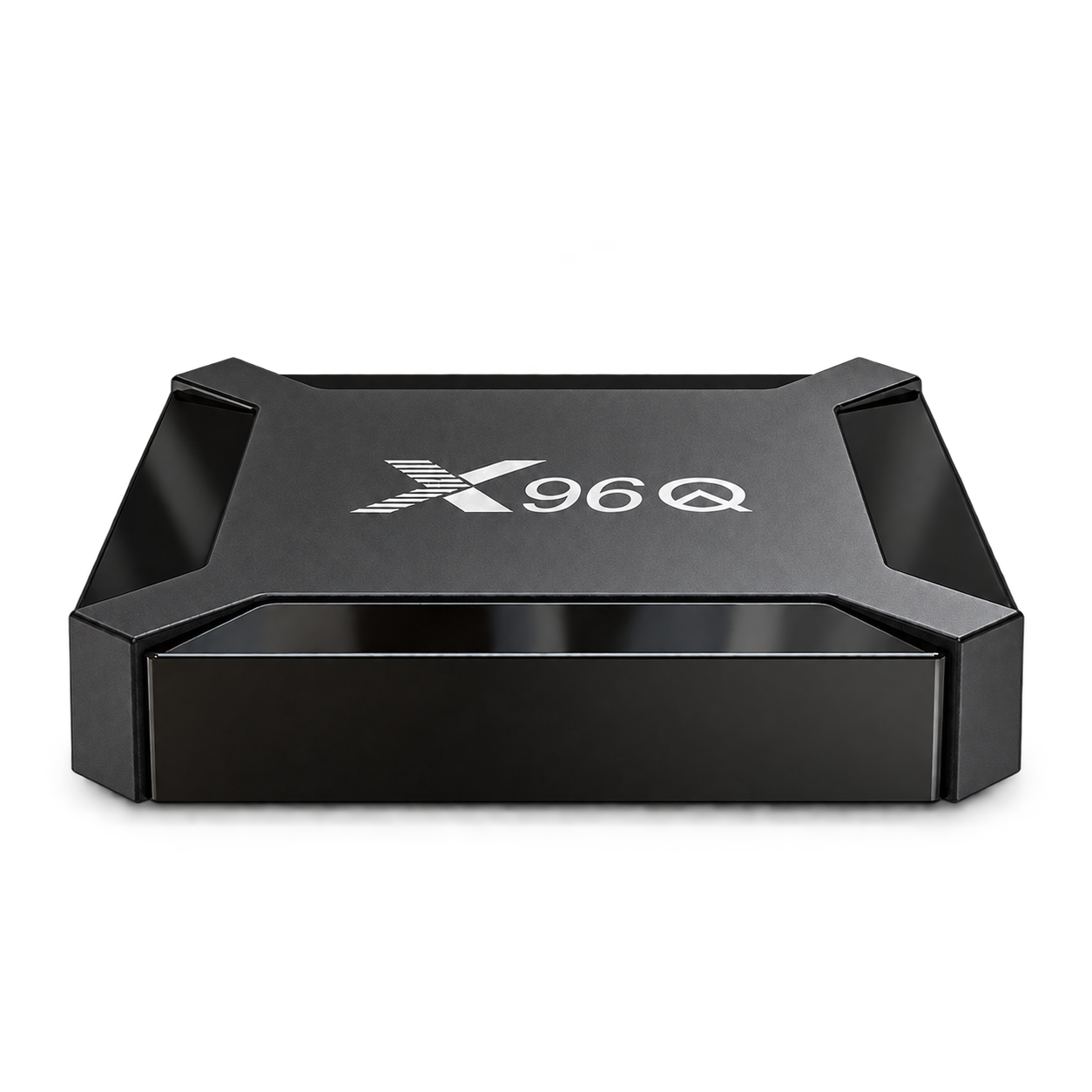
A choice of memory
From $34.99 USD
1GB / 8GB or 2GB / 16GB
2.4GHz Wi-Fi · H313
Coming soonView device: X96Q

Home entertainment, made clear.
Android media boxes and hybrid receivers. Build a setup for the moments you love.
Find your device
Home entertainment, made clear.
Make room for your screen. Explore hardware with the connections your setup needs.
Find your device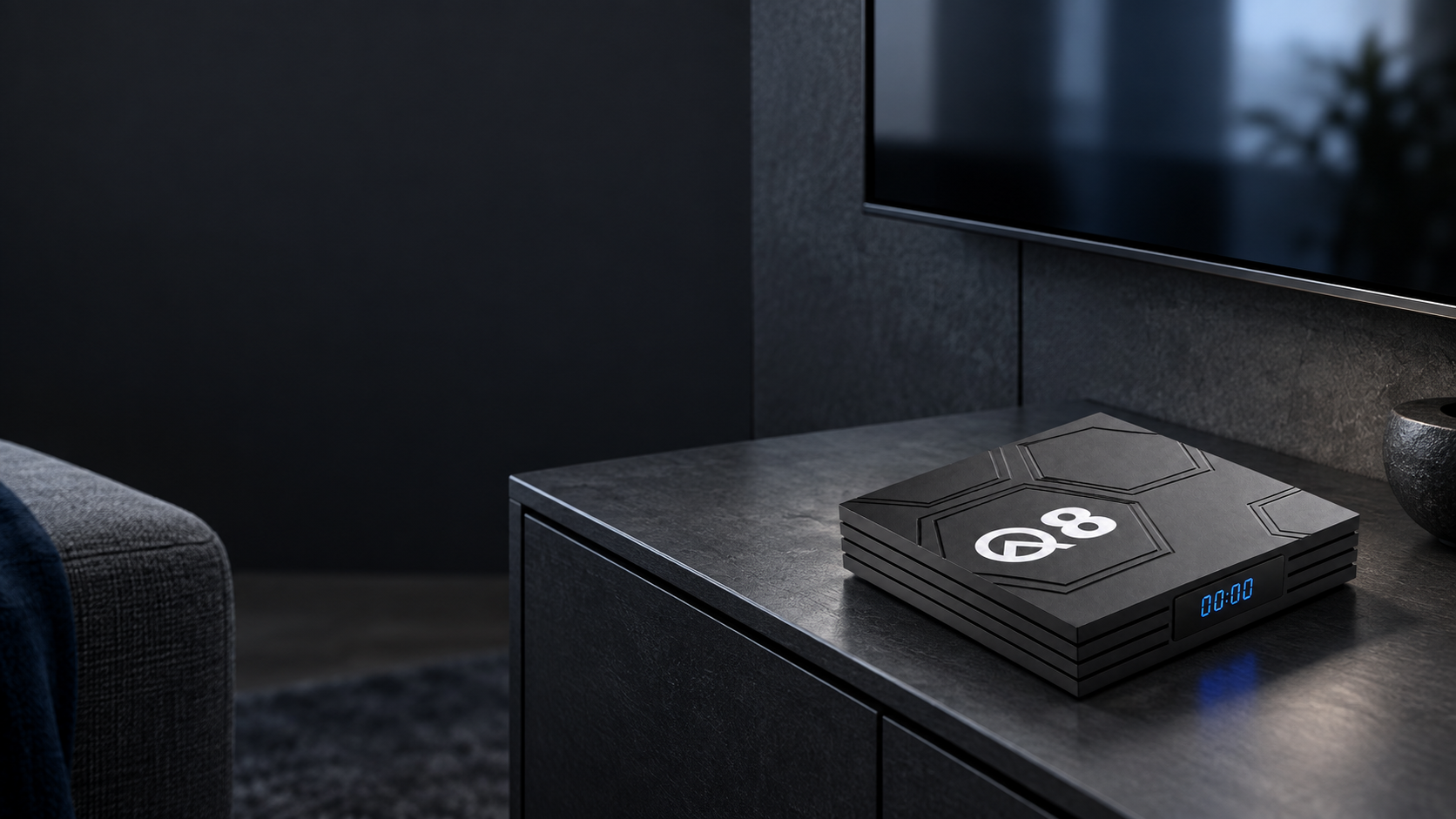
Home entertainment, made clear.
Real hardware. Clear choices. Find the connections your screen needs.
Find your deviceFour starting points. Real specifications. A clear choice for your screen.
A choice of memory
From $34.99 USD
2.4GHz Wi-Fi · H313
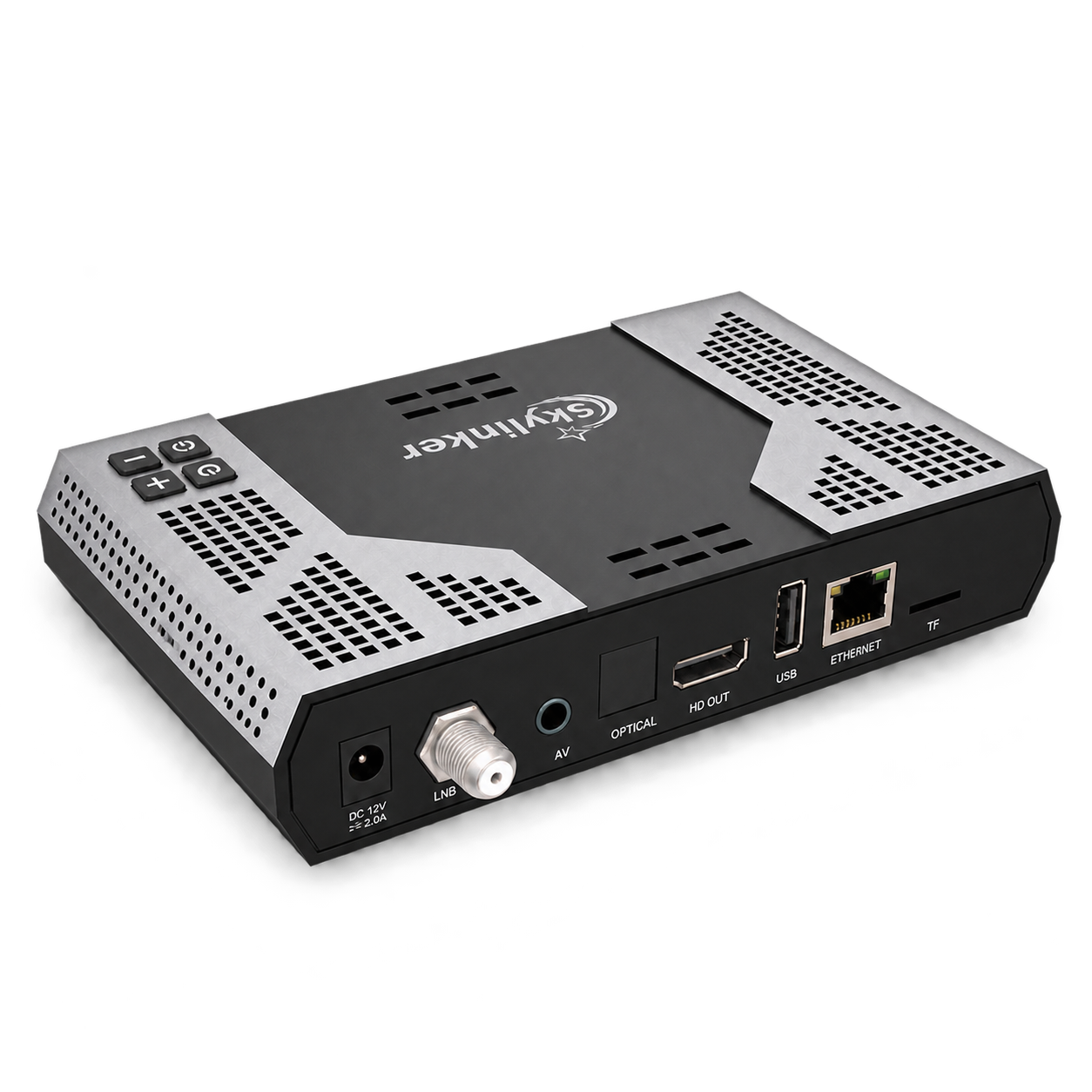
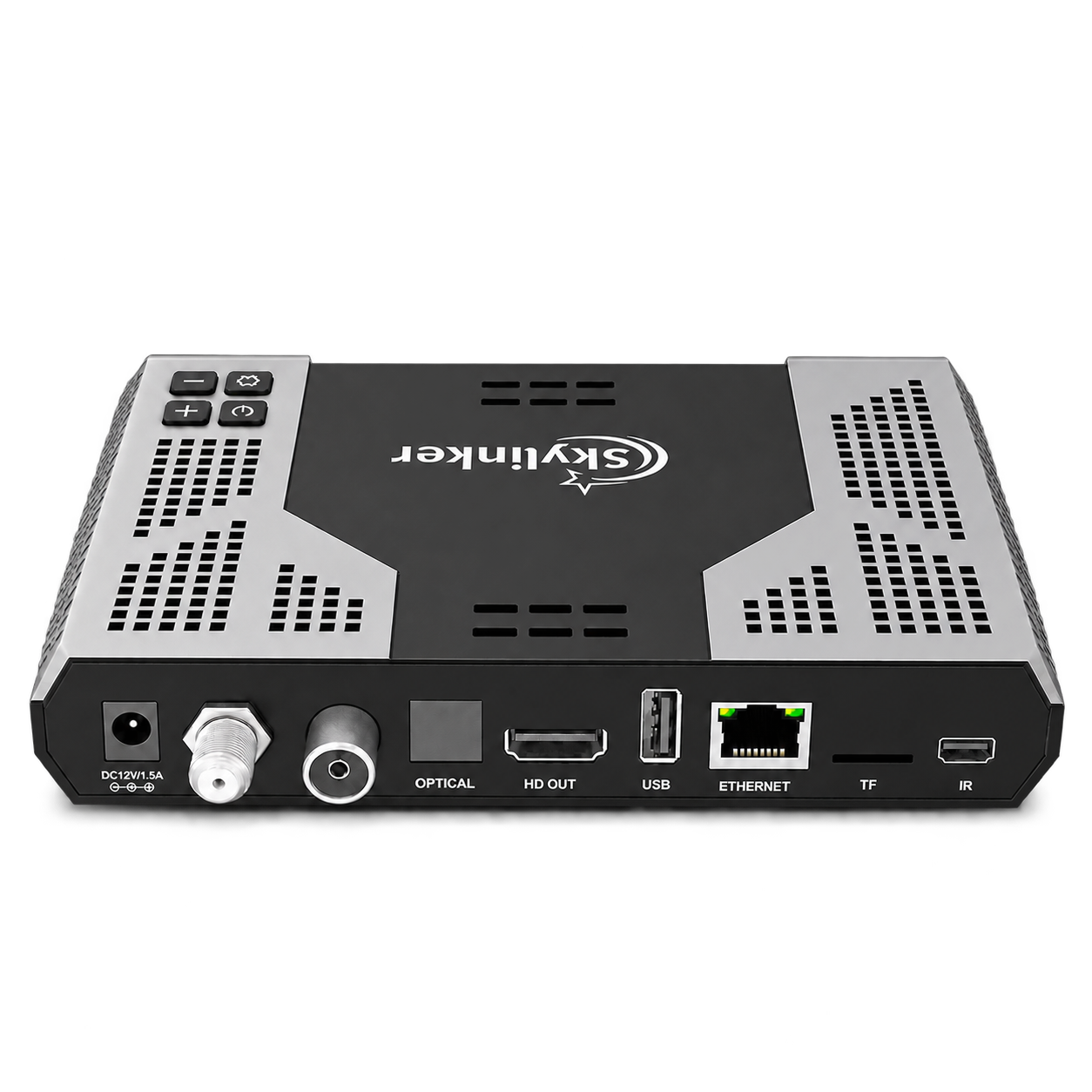
Three reception standards
$89.99 USD
2GB / 16GB · Dual-band Wi-Fi
The screen is yours. Start with the hardware that fits.
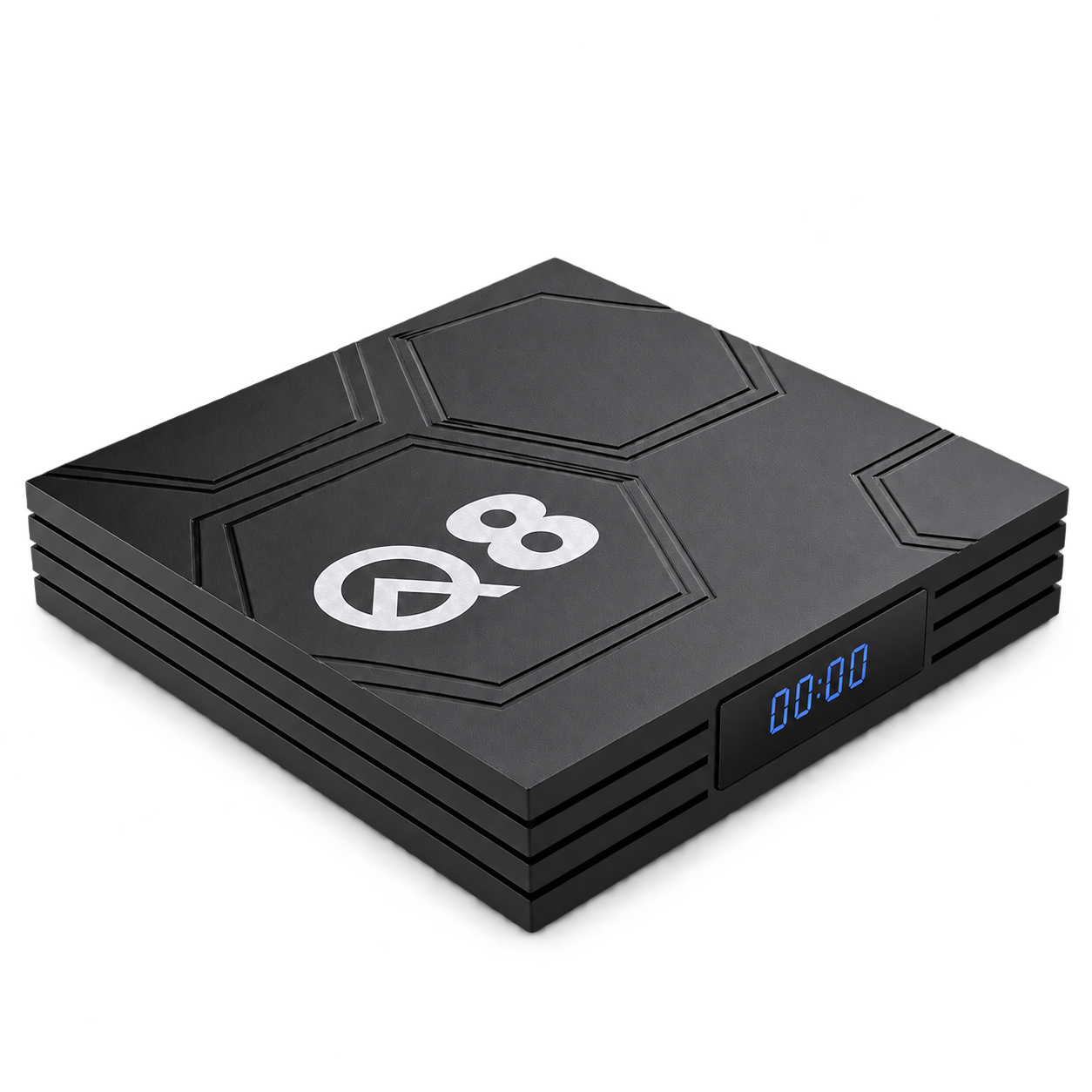
Lights down. Screen on. Make room for an evening in.
Explore Q8
The energy of the court. The comfort of your room.
Find your deviceOriginal artwork. Apps and content are obtained separately.
Compare the connections and memory that matter to your setup.
Looking for DVB reception? Compare Z8 and Z8 Plus, too.
Compare all devicesPrepare the display connection and the power supply your device requires.
Choose a network band supported by your device and home network.
Use a compatible Android APK from a source you trust.
Open the file, review the installation prompt and configure your app.
Hardware, apps and what to check for your setup.
Ask us a questionX96Q offers two memory options. Q8 adds dual-band Wi-Fi and USB-C power. Choose Z8 or Z8 Plus when your setup needs a supported DVB reception standard.
Compare the hardwareThese devices support installing compatible Android apps from APK files. Installation options and app compatibility depend on device firmware. Apps and content are obtained separately.
Read the APK guideZ8 supports DVB-S2 satellite reception. Z8 Plus supports DVB-S2, DVB-T2 and DVB-C. Match the receiver to your signal standard and the requirements of your reception setup.
Compare the receiversThe devices are currently coming soon. Online orders are not open. Contact us to ask about availability; shipping and return information will be provided before orders are accepted.
Contact VelsWick